My New Pair Programmer is an AI: A Real-World Workflow for Building Apps
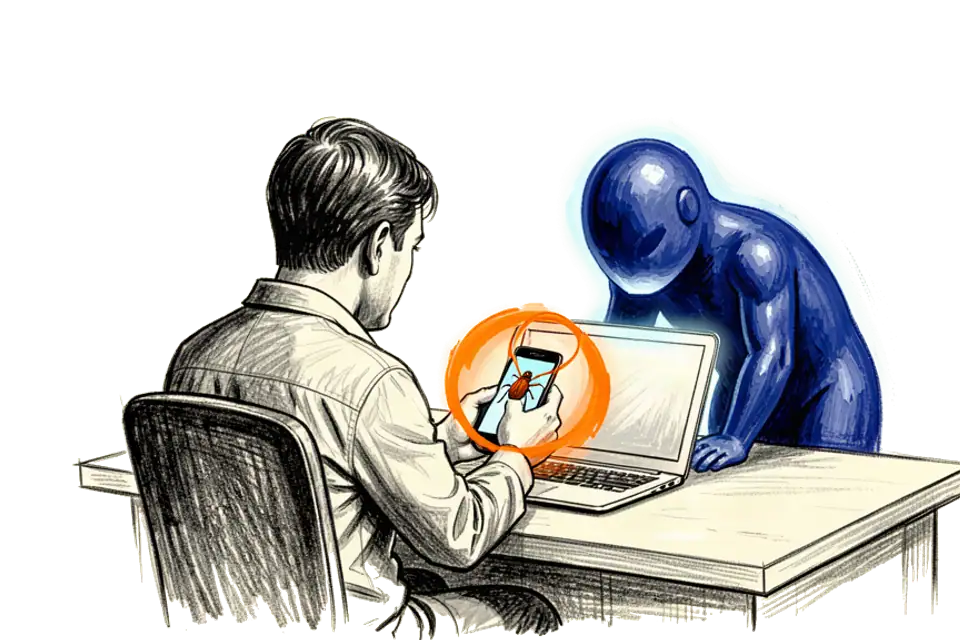
TL;DR: I spent a day building and fixing an iOS app with an AI coding assistant. My loop is a marked screenshot, an exact prompt in plain English, a reviewed diff and a commit. The AI fixes one thing and breaks another, gets stuck in loops and tempts you into unplanned features. I write less code and direct more, more architect, reviewer and QA person than coder.
Everybody talks about AI in software right now. You see demos where a whole app gets built in minutes from one prompt. But what does a normal day look like when you build with these tools? How do you get from a bug to a fix, or from an idea to a feature, when the one you work with the most is an AI?
I spent a day building and fixing an iOS app with an AI coding assistant. It was interesting, it was frustrating, and in the end I got a lot done. This is what the workflow really looks like, the good parts, the bad parts and the bugs.
From prompt to push
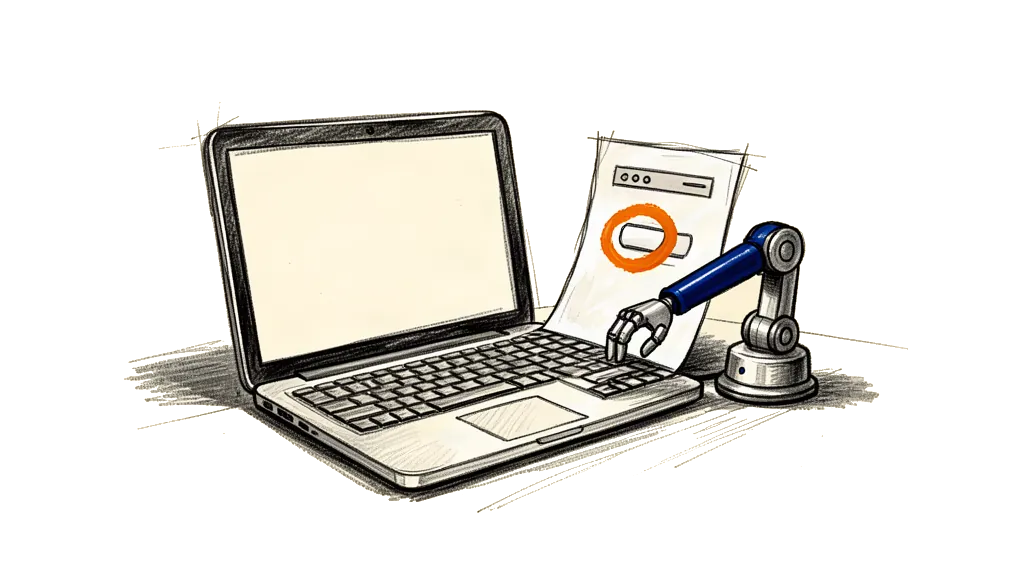
My way of working with the AI has turned into a loop that I just repeat. I write less code and I direct more.
Step 1 is to see it, circle it and give it to the AI. It starts with a bug you can see. In my app the "Add Money" button didn't work, but a similar "Top-up" button worked fine. I didn't open the code first. I took a screenshot of the screen on my phone. Then I used a simple editing tool and circled the broken "Add Money" button and the working "Top-up" button, because that picture tells the AI a lot.
My phone is connected to my computer, so I copy the marked screenshot and paste it right into the chat with the assistant. The AI can see what I mean.
Step 2 is to write what I want in plain English. My programming language is English now. I write a clear prompt with all the details I have.
"On the Card View screen, when you click the Add Money button in the top right, can you please open the same screen as when you click the top up icon below the card? I circled both in red on the screenshot."
The more exact I am, the better it gets. I name the screen (Card View), the components (NuriHed, NuriButton) and what should happen.
Step 3 is to look at the changes, test them and commit. The AI reads my request and the code it already has, and then it shows me what it wants to change as a diff, lines it deletes in red and lines it adds in green. My job is the senior developer who reviews the pull request. Does it make sense? Does it look right?
If it does, I accept it, build the app again and test it right away on my phone. This time the "Add Money" button worked fine.
And then I commit, and I never skip that. I tell the AI "Please commit and push this to GitHub." Git is my safety net. If the AI breaks something later, I can always go back to a version that worked.
When the AI gets it wrong
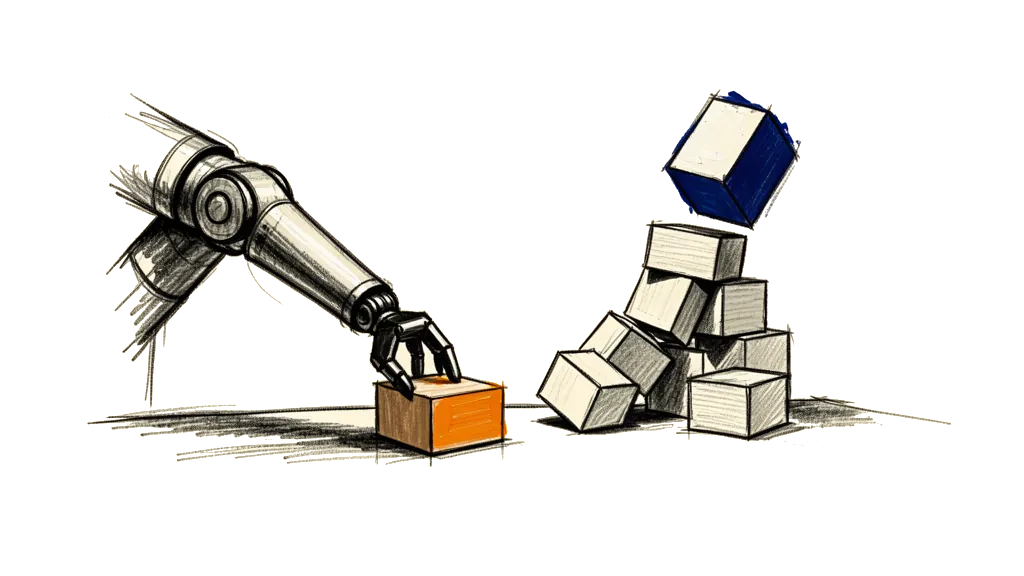
That sounds smooth, but it almost never goes in a straight line. The AI is strong, and it also makes a lot of mistakes.
Once I asked it to fix the vertical alignment of a small chevron icon. It fixed the alignment, but it also changed the size of the whole card on that screen. Why? I don't know. For now I could live with it. This happens all the time, you fix one thing and the AI changes another thing on the way. You have to watch it the whole time.
Sometimes it just gets stuck. It runs in a loop and tries the same change again and again and fails. I saw it get confused by its own tools and throw internal errors. The old IT trick often helps, close the program and start it again. Sometimes it also helps to switch to another model, for example from Gemini to Claude 3 Opus, but that can cost more.
It's also easy to get lost in new features that weren't planned. I had a nice-to-have idea, a "Share" button on a QR code screen. The AI built it fast. But it was only half done. It shared the address as text, but not the QR code image itself.
That is a trap. I spent time on a feature that wasn't on my roadmap and didn't even work. When starting something new costs you only one sentence, it's more important than ever to stick to the plan.
From coder to conductor
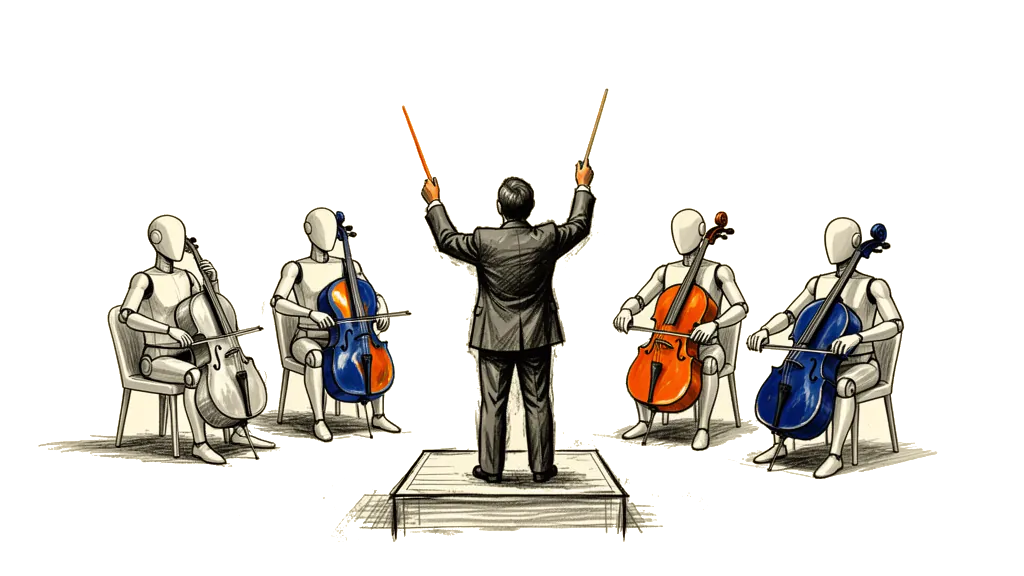
Working with an AI assistant changed how I relate to code.
I used to be proud that I could speak the language of the computer, and now I tell it what to do in English. I build less with my own hands. I'm more the architect, the reviewer and the QA person, all in one.
I used to like writing a perfect function myself, and now I like getting a strong tool to the result I want. It's a different kind of pride, more like a manager's.
What I learned
If you want to work with an AI pair programmer, this is what I learned. Be very exact, because vague prompts give you vague and often wrong results, so use screen names, component names and clear logic. A picture is often worth 1,000 lines of code, so use marked screenshots when you can. Start a new chat for every bug or feature, so the AI doesn't mix them up. Commit all the time, git is your best friend, and if you commit working changes often you can always go back.
Make it work, then make it pretty. Get it working first, and ask the AI to clean up the code or the UI in a second step. And know when to stop. If the AI fails at a task for more than a couple of rounds, it can be faster to write the code yourself or to think about the problem again.
AI coding isn't magic. It's a strong tool that isn't perfect, and you need new skills for it. You have to explain clearly, review with sharp eyes and stick to your plan. It won't replace developers, but it changes what it means to be one.