Coding with Cursor as Key Development Tool and the Role of AI in Coding by Sahil and Josh (Part 1)
TL;DR: A summary of a talk with Sahil and Josh about coding with Cursor, Claude 3.5 and Tailwind CSS. AI turns plain English prompts into code across many files, so small teams can ship much faster. The quotes include one engineer doing the work of three and six hours saved in 30 seconds.
A summary of a conversation with Sahil and Josh about coding with Cursor and what AI does to the way software gets built.


How AI changes the workflow
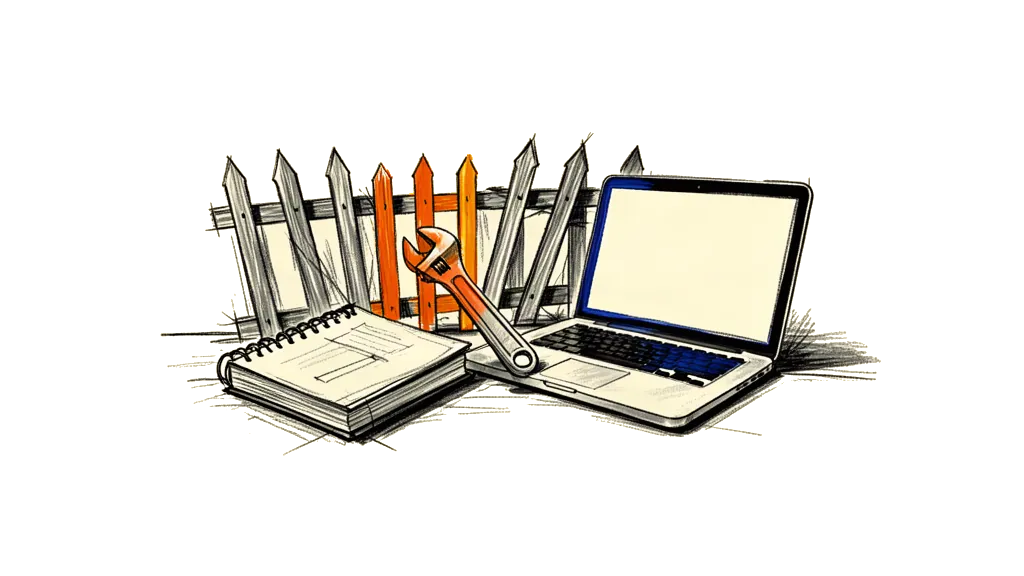
Software development is changing fast, and AI is the reason. Tools like Cursor, Claude 3.5 and Tailwind CSS make coding faster and easier, and open it up to a lot more people. The old walls between designers, engineers and product managers are breaking down, so the whole workflow gets simpler.
The real thing here is that a simple prompt turns into a whole set of actions. Cursor edits the code, Claude 3.5 understands the language, so you just say in plain English what you want and the AI writes the code, often across many files at once. No more typing everything by hand, no copy and paste, no jumping between contexts. You can think about the big picture instead.
Tailwind CSS plays a big part in this. It's utility first, so there is a direct link between a design element and the code. That makes it easy for the AI to build components that look the same everywhere and carry real meaning. You don't need huge CSS files anymore, and going from design to code gets a lot shorter.
What this means is big. Companies can ship features faster with smaller teams and lower costs. The old bottlenecks like design rounds, code reviews and manual testing get much smaller, and the team can react a lot quicker.
Take the defaults
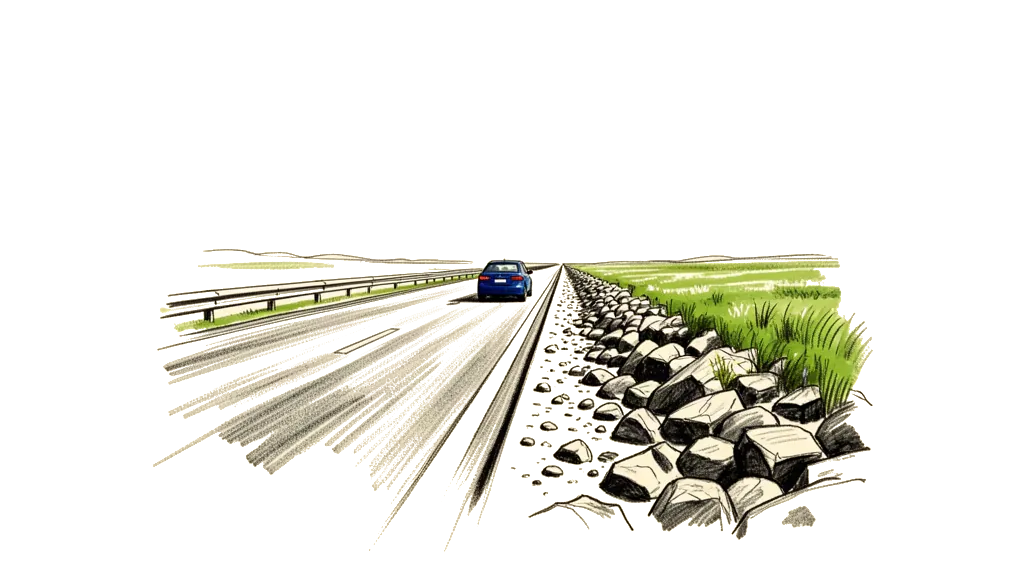
Take the defaults. Use Tailwind CSS and Cursor and let the AI do what it's good at. Let the AI do the grunt work and spend your own time on creative problems and on the user experience. Iterate fast, try things, build a prototype and change it quickly based on what users tell you.
And don't fight the change. In their view AI is the future of software development, and you don't want to get left behind. Also don't underestimate it. These tools get better all the time, so stay curious and see how far they go.
A simple process
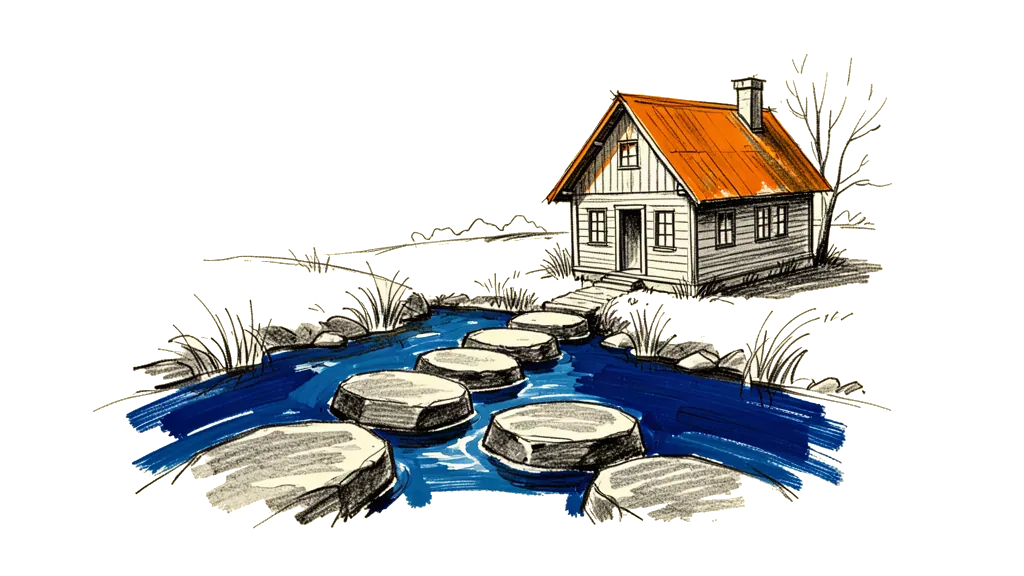
First you set clear goals, so what the project is and what it should achieve. Then you give context and use Cursor's features to give the AI the right information about your project. You write clear prompts and describe the function or the design change in plain English. You iterate, read the code the AI wrote and give feedback. You test it well and make sure the new code works with the code you already have. And then you ship and learn, so you deploy the change and collect feedback from users.
Key takeaways
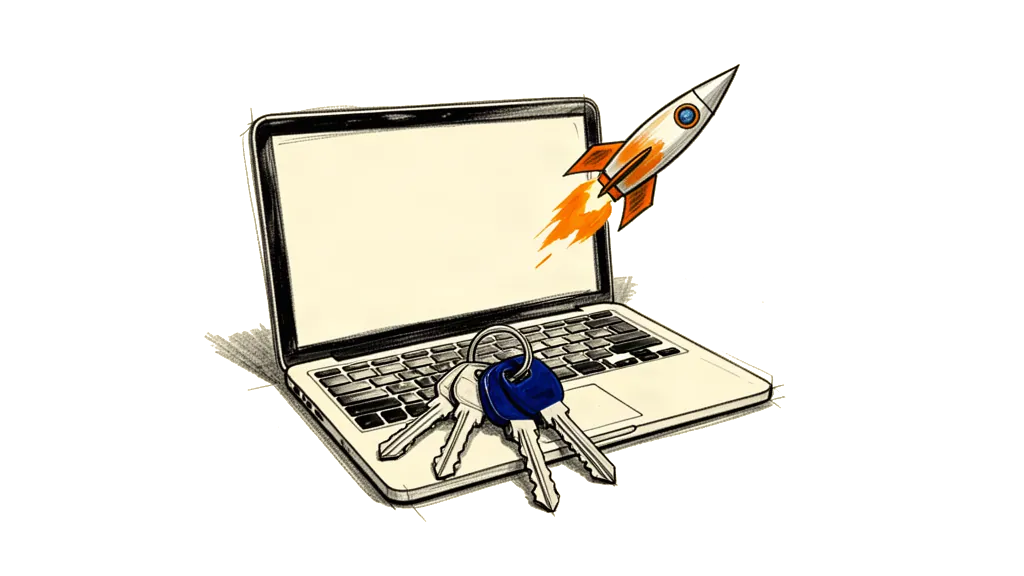
Cursor makes coding a lot faster, even for people who never worked on that platform before. AI can write big parts of the code, even in a language you don't know. Tailwind keeps design simple and consistent because the design lives right in the code. With Cursor you change code right away without writing it by hand. And giving the AI specific context, also across many files, makes the code it writes more accurate.
A few more things came up. Tools like Cursor let small teams take on bigger and harder projects. They save a lot of money, because they save time on the repeated work, and engineering gets much cheaper. AI adds to the normal design and coding process, it doesn't replace it. You have to keep learning and stay open to new tools and ways of working to stay ahead. And AI cuts the back and forth inside a team, so working together gets faster.
If there is one thing to do, it's this. Use AI not only for coding but for the communication and collaboration of the whole team. That's where you save the most money and time, and the people on the team get to spend their time on the more important and creative work.
So Cursor, Claude 3.5 and Tailwind CSS together really change how software gets built. If developers take these tools and work in this simpler way, they get a lot more done and can be more creative. The future of software development is already here, and it runs on AI.
Quotes from the video

Here are exact quotes from the video, with the timestamps and what each one shows.
"I had from having the idea for the game to getting it on like test flight was two days or something and like zero iOS experience." (at 0:03:06)
This shows how fast and how open coding gets with tools like Cursor. Even with no experience on a platform you can build and ship an app very quickly.
"I built a tool stash iOS app like two weeks ago, using cursor… it wrote the vast majority of the code." (at 0:05:25)
AI can take over big parts of the coding, even when the developer doesn't know the language or the framework.
"The way to think about Tailwind is it's just replacing CSS… you don't really lose the design system consistency." (at 0:07:10)
Tailwind CSS puts the design system right into the code, so frontend work gets faster and the design still stays consistent.
"I want to remove a picture frame… I can just tell Cursor, and it writes the code for me." (at 0:13:15)
This is code editing in real time with AI built in. You make a change right away without writing a lot of code yourself.
"I find the responses are better if I don't let it just suck in the entire codebase unless I need some like more high-level thinking." (at 0:15:00)
Specific context makes the AI's code more accurate and more on point, mostly in big and complex projects.
"We relaunch it, and now with AI as a coding tool, the team has one engineer and is more than capable of pulling off the amount of work that the previous team of three was doing." (at 0:20:00)
Tools like Cursor let a smaller team handle bigger projects. You get more done and need fewer extra engineers.
"We pay a senior engineer $200 an hour, and if I can save even just one hour, that's $200 saved. With AI, I save six hours in 30 seconds." (at 0:21:32)
AI can save a lot of money, because it takes over repeated tasks and cuts development time, most of all where salaries are high.
"Tailwind is great for a lot of things until it's not… but for speed, it's hard to beat." (at 0:25:10)
AI and tools like Tailwind make things faster, but they add to the normal design process and don't replace it. For the subtle and complex stuff you still need people who know what they're doing.
"I used to be super anti-Tailwind until five days ago. Now I realize it's like upgrading how we approach design, and I'm rethinking what's possible." (at 0:26:03)
Stay open to new tools and new ways of working, even the ones you pushed back on before. You have to keep learning to stay ahead.
"Instead of giving my engineers instructions in Notion, I can tell Cursor what I would've told them. It cuts out hours of back-and-forth communication." (at 0:30:15)
AI doesn't just save time on coding. It also cuts the communication overhead, so the team works faster together.
The AI coding revolution
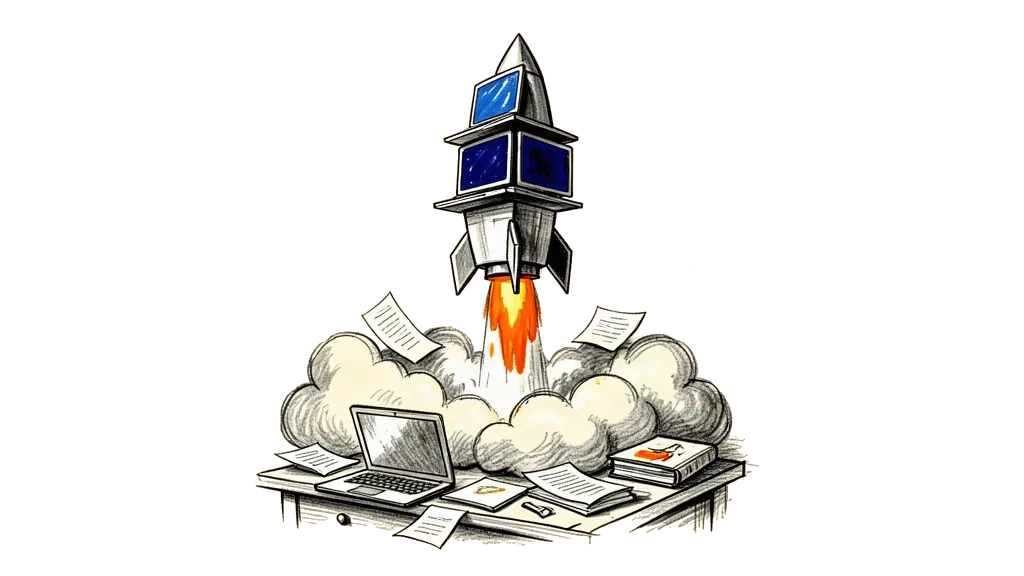
The AI coding revolution is here, and it's f****** awesome. Cursor and Claude 3.5 change the game and you can build stuff crazy fast. The old barriers between designers, engineers and even CEOs are breaking down. Now anyone with a bit of hustle who wants to learn can design, build and ship products at a speed we never had before.
The key thing is to take the defaults and get on the AI train. Tailwind CSS and Cursor make the workflow simpler and let the AI write good code with very little human help. That means smaller teams, lower costs and faster cycles.
But it's not just about speed. AI also brings a new level of creativity and working together. Designers can focus on the big ideas and the user experience, and the AI does the details of the build. Engineers spend more time on hard problems and less time on repeated tasks. And even people who aren't technical can help build things by writing clear and short prompts.
The future of software development looks good, and it runs on AI. So don't get left behind. Take the change, learn the new tools and get ready to ship great products really fast.